Your Workforce Intelligence Data, Connected to Every Data Source You Already Have.
Boost employee productivity and drive performance
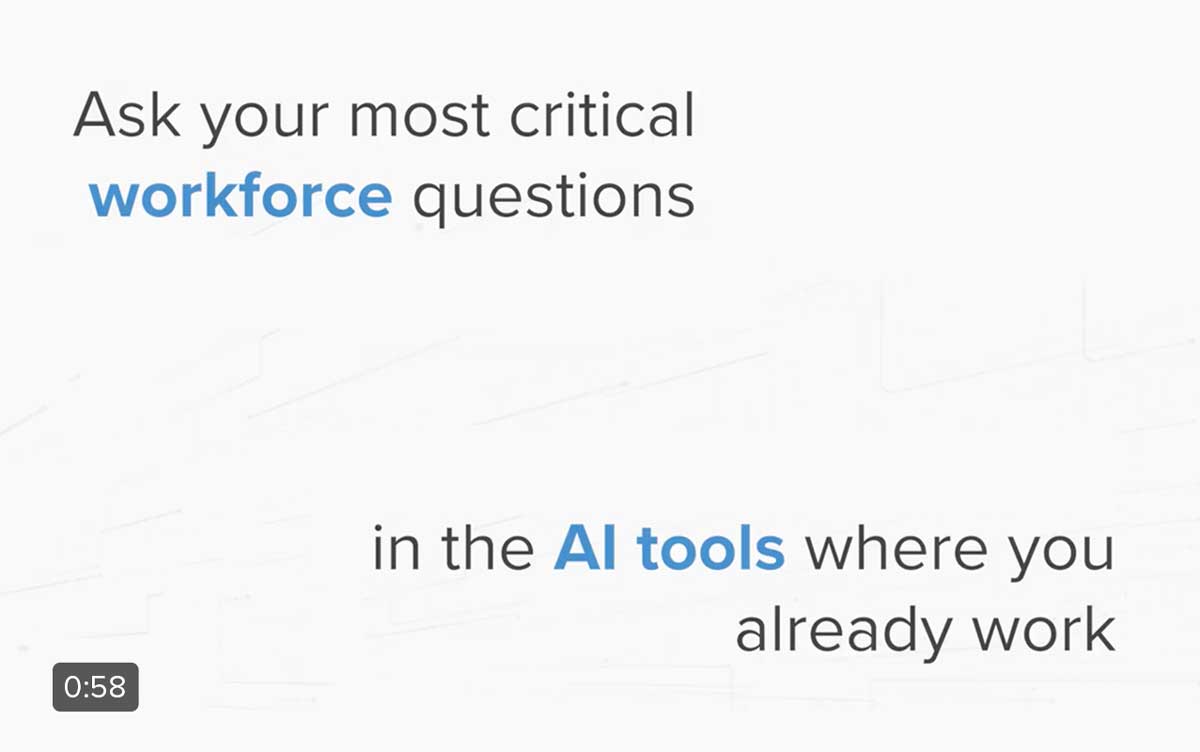
The Prodoscore MCP (Model Context Protocol) server extends your workforce intelligence data beyond the Prodoscore platform and into the AI assistant and business tools your teams depend on every day. Connect Prodoscore to Salesforce, Jira, Asana, HubSpot, and dozens of other MCP-compatible platforms, then ask your AI assistant questions that no single tool could answer on its own.
What Is the Prodoscore MCP?
MCP, or Model Context Protocol, is an open standard that allows AI assistants to securely read data from external tools and platforms. The Prodoscore MCP server makes your workforce intelligence data available to any MCP-compatible AI assistant, including Claude, ChatGPT, and Gemini, so the AI can combine what it knows about your team from Prodoscore with data from your other connected business systems.
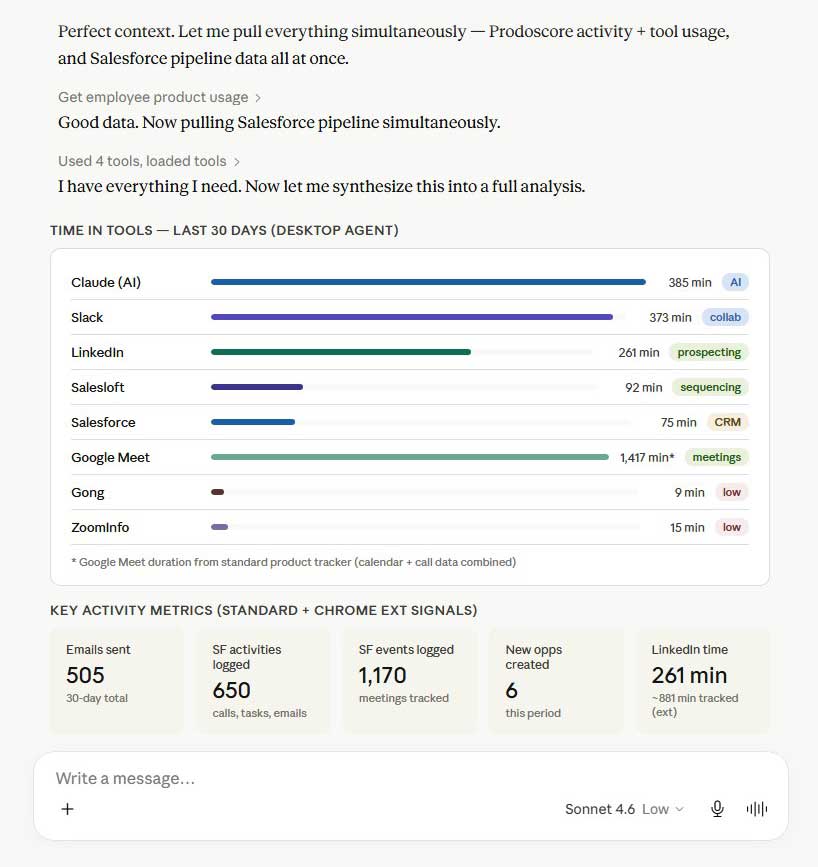
Think of it as giving your AI assistant a complete picture of your organization. Prodoscore captures how your people work: their activity patterns, tool usage habits, productivity trends, and engagement signals. Your other business tools capture what they produce: pipeline results, project delivery, campaign performance, and financial outcomes. The Prodoscore MCP connects those two sides of the story so your AI assistant can answer the questions that actually matter to your business.
Note: The Prodoscore MCP is read-only. It does not write to or modify any data in Prodoscore or any connected tool.
Setting up the Prodoscore MCP is straightforward. Once enabled, your MCP-compatible AI assistant can read your Prodoscore workforce data alongside data from any other MCP-connected tools in your environment. No custom integrations, data exports, or switching between platforms are required.
Activate the Prodoscore MCP server from within your Prodoscore account settings. Your existing role-based permissions apply automatically, so every user can only access the data they are authorized to see.
Add the Prodoscore MCP server to your MCP-compatible AI assistant, such as Claude, ChatGPT, or Gemini. Your AI assistant can now read your Prodoscore workforce data as part of any conversation.
Add MCP servers for the other platforms your teams use, such as Salesforce, Jira, Asana, HubSpot, or any other MCP-compatible tool. Your AI assistant can now read data across all of your connected systems at the same time.
Ask your AI assistant questions in plain English. It will draw on workforce intelligence data from Prodoscore alongside data from your other connected tools to give you answers that span the boundaries of any single platform.
What You Can Ask When Prodoscore Is Connected
The questions below represent a sample of what becomes possible when your AI assistant has access to Prodoscore workforce intelligence data alongside data from your other MCP-connected business tools.
|
Your Role |
You Ask |
What You Learn |
|---|---|---|
| VP of Sales / Sales Manager | Which reps have the highest CRM activity in Prodoscore, and how does that compare to their pipeline value and close rate in Salesforce? | Which behaviors separate your top closers from reps who are missing quota, so you can coach those patterns across the team. |
| CHRO / HR Director | Which departments show the steepest decline in engagement scores over the last 60 days? Cross-reference with open roles in Workable. | Whether low engagement and active recruiting are happening in the same teams is a signal that a retention problem may already be underway. |
| Project Manager / Director of Operations | Which employees assigned to our Q3 product launch in Asana have shown a consistent activity decline over the past three weeks? | Who may be overextended or disengaging before it affects your timeline, so you can intervene before a deadline is at risk. |
| CFO / VP of Finance / IT Director | Pull Prodoscore tool utilization data for all employees with active subscriptions in Ramp and flag tools with high spend but low usage. | Where your organization is paying for software its employees are not actually using, so you can make a defensible case for license consolidation. |
| VP of Engineering / Engineering Manager | Which engineers have the highest Prodoscore activity scores, and how do those compare to their ticket completion rates and sprint velocity in Jira? | Whether velocity is a reliable signal of engagement, and whether any high-output engineers are showing early signs of overextension. |
| COO / VP of Operations | Which teams show high Zoom activity in Prodoscore but low output in their primary work tools? | Whether meeting-heavy schedules are creating a productivity drag at the team level, you can use data to bring to a leadership conversation. |
These are just starting points. The Prodoscore MCP works across any combination of MCP-compatible tools in your environment, including Asana, Monday.com, Figma, HubSpot, Slack, Zoom, Ramp, Xero, SurveyMonkey, and more.
Built for Every Role Across Your Organization
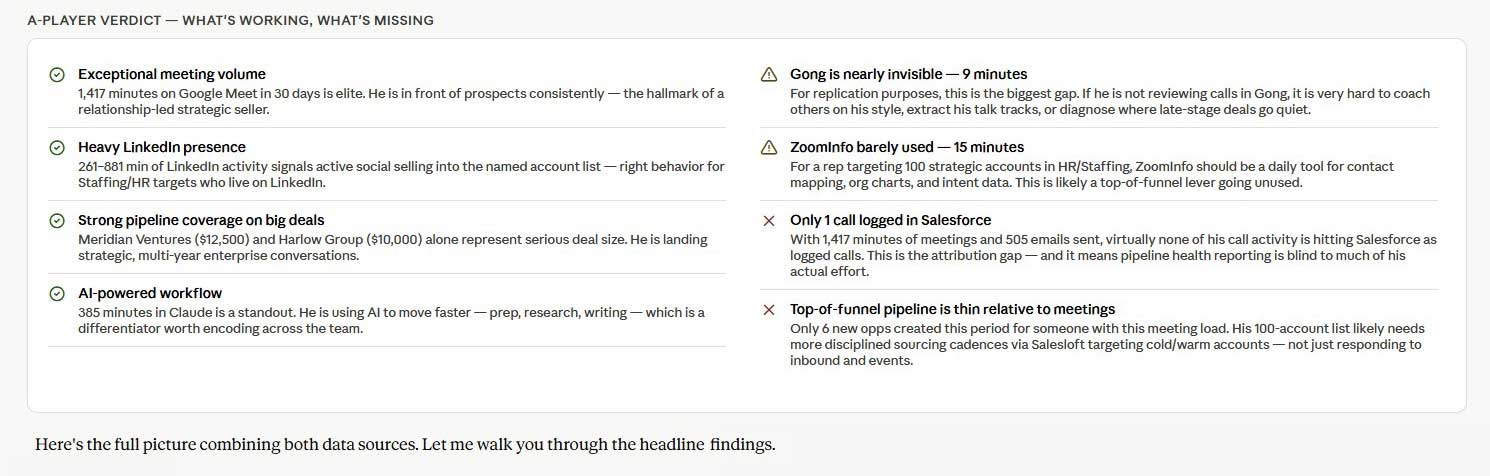
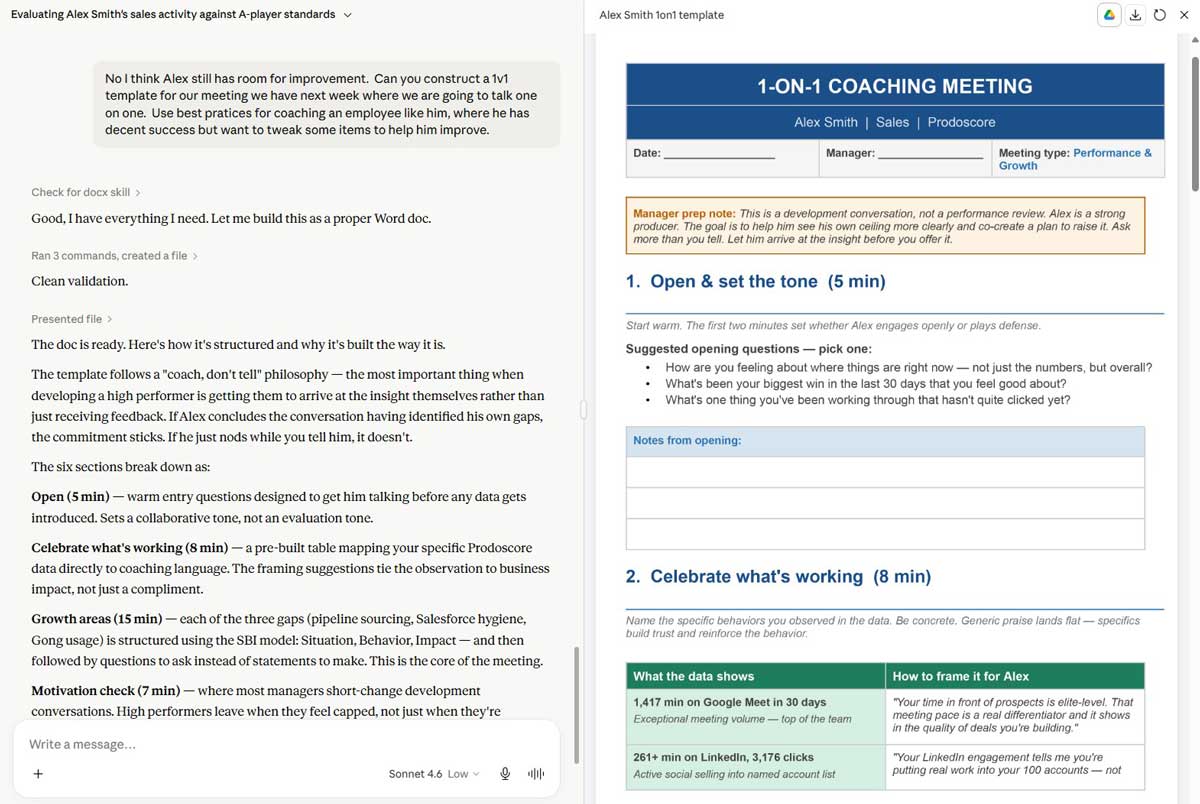
Connect the behavioral side of sales performance to the outcomes your CRM already tracks. Understand which habits, tool usage patterns, and activity windows separate your top performers from the rest of the team, so coaching conversations are grounded in evidence rather than assumptions.
Connect engagement trends from Prodoscore to sentiment data from your survey tools, attrition signals from your recruiting platforms, and headcount data from your HR systems. Learn how to create the ideal job description for new job postings based on demonstrated behaviors from top performers. Build a complete picture of organizational health that goes well beyond what any single people platform can show you.
Connect workforce productivity data to your financial reporting. Contextualize payroll cost changes to output trends, identify software licenses that cost more than they deliver, and surface the operational inefficiencies that are difficult to see when your data lives in separate systems.
Connect sprint velocity and ticket data from Jira to individual activity trends from Prodoscore. Identify whether high-output engineers are showing early signs of burnout, spot blocked contributors before their disengagement affects delivery, and build a more complete view of team health than cycle time alone can provide.
Connect content and campaign output data from HubSpot or other marketing platforms to the capacity signals in Prodoscore. Understand whether a dip in performance reflects a strategy gap or a bandwidth problem, and make resourcing decisions with data rather than instinct.
Your Data Stays Yours
The Prodoscore MCP is read-only. It never writes to, modifies, or deletes data in Prodoscore or any connected tool. Your existing Prodoscore role-based permissions apply automatically, so every user can access only the data they are already authorized to see. Managers see their team’s data. Executives see org-level data. The same governance that applies to the rest of Prodoscore applies to every MCP interaction.
Prodoscore does not use your workforce data to train external AI models. Your data is your data.
The Prodoscore MCP (Model Context Protocol) server is a read-only connection that makes your Prodoscore workforce intelligence data available to any MCP-compatible AI assistant. When your AI assistant also has MCP connections to your other business tools, it can combine data from across your entire tech stack to answer questions that no single platform could address on its own.
The Prodoscore MCP works with any AI assistant that supports the Model Context Protocol, including Claude, ChatGPT, and Gemini. As MCP adoption continues to grow across the AI industry, the Prodoscore MCP will be compatible with any new MCP-ready assistants as they become available.
You can connect any tool that has its own MCP server. Current examples include Salesforce, Jira, Asana, HubSpot, Slack, Zoom, Figma, Monday.com, Ramp, Xero, SurveyMonkey, Workable, and many others. The list of MCP-compatible tools is growing rapidly across the industry.
ProdoAI Chat is a conversational AI tool built directly into the Prodoscore platform. It lets you ask plain-English questions about your Prodoscore data without leaving the platform and requires no additional setup. The Prodoscore MCP is designed for organizations that want to extend their workforce intelligence data into the AI assistants and business tools they already use outside of Prodoscore, enabling cross-platform questions that combine Prodoscore data with data from Salesforce, Jira, and other connected systems.
No. The Prodoscore MCP is read-only. It provides your AI assistant with access to your Prodoscore workforce data but does not have the ability to write to, modify, or delete any data in Prodoscore or any connected tool.
Yes. Your existing Prodoscore role-based permissions apply automatically to all MCP interactions. Managers can only access their team’s data. Executives can access org-level data. The same governance rules that apply to the rest of Prodoscore apply to every AI assistant conversation that uses the Prodoscore MCP.
No. Prodoscore does not use your workforce data to train external AI models, and we don’t share customer data with third-party services. If you connect the Prodoscore MCP Server to a third-party AI assistant, that assistant receives the results of your queries — a connection you control, with an assistant you choose. You’re responsible for that assistant’s own terms and privacy practices.
Contact your Prodoscore account team or reach out through our website to learn more about enabling the Prodoscore MCP for your organization. Setup is straightforward and requires no custom development or technical resources beyond those required by your AI assistant’s MCP.
Your Data Already Has the Answers, Now You Can Ask for Them Across Every Tool.
The Prodoscore MCP connects your workforce intelligence to the AI assistants and business platforms your teams already rely on every day. Whether you want to understand why a sales team is underperforming, identify burnout risk before it becomes a retention problem, or build a data-backed case for software license consolidation, the answers are in your data. The Prodoscore MCP makes them accessible.